Google Ads Payment Method Without KYC
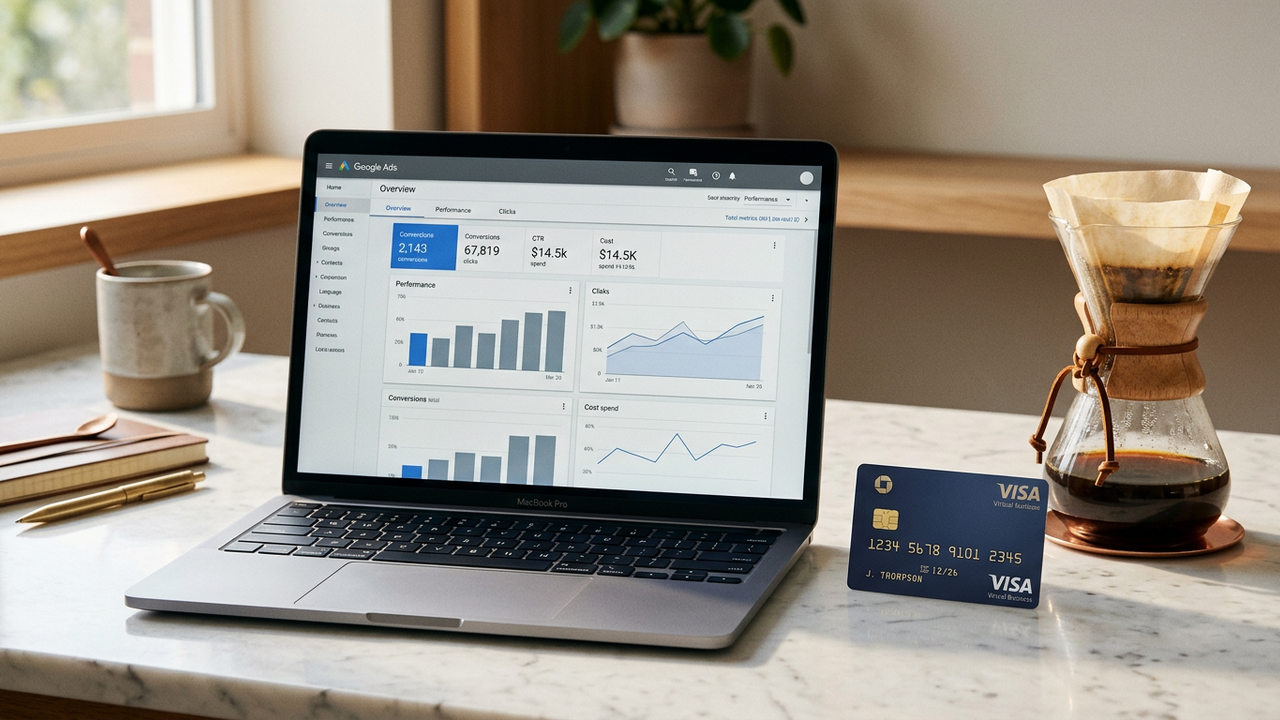
How to Pay Google Ads Without KYC
-
1
Create a virtual card from a Google-friendly BIN
Register for a no KYC card and select a Visa Business BIN. Google's billing system performs an AVS check — US-based BINs pass this with near-100% reliability.
-
2
Set your billing address to match the card BIN country
In your Google Ads billing settings, enter a valid address in the card's BIN country. This is the single most important step — address mismatch is the #1 reason Google rejects cards.
-
3
Add your card to Google Ads billing
Navigate to Tools & Settings → Billing → Payment methods. Add your card details. Google will place a small temporary hold (typically $1) to verify the card, which is released within days.
-
4
Set up automatic payments
Choose automatic payments so Google charges your card when you accrue costs or on your monthly billing date. Set a budget cap as a safety net.
-
5
Maintain sufficient balance for Google's pre-auth cycles
Google runs periodic pre-authorization checks. Keep at least a $50 buffer above your expected ad spend to prevent payment decline flags. Set up auto-top-up from your crypto wallet for peace of mind.
Why Google Ads Requires a Compatible Card
Google Ads is stricter than most platforms — it validates the billing address against the card issuer's country, runs AVS checks on every card addition, and flags accounts with frequent payment failures. A properly BIN-matched virtual card solves all three requirements from the start.
Google Ads BIN Compatibility: What Works & What Gets Flagged
Google's payment gateway uses Address Verification Service (AVS) and Card Verification Value (CVV) checks that are significantly stricter than most e-commerce platforms. Not all virtual card BINs survive these checks — here's exactly which ones do.
| BIN Type | Card Network | AVS Pass Rate | Google Ads Reliability | Notes |
|---|---|---|---|---|
| US Visa Business | Visa | 98%+ | Excellent | Best choice. Google treats US-issued cards as primary tier. Full AVS response (Y match). |
| US Mastercard Platinum | Mastercard | 95% | Excellent | Works reliably. Slightly higher chance of manual review on first transaction. |
| UK Visa Business | Visa | 88% | Good | Requires valid UK billing postcode. Google matches postcode format to BIN country. |
| HK Visa/Mastercard | Visa / MC | 72% | Moderate | Works but triggers additional review on ~28% of new accounts. Best used after account warm-up. |
| Non-US Prepaid BIN | Any | <30% | Avoid | Google aggressively blocks prepaid BINs. Use only business-grade BINs for ad platforms. |
Google Ads Payment Decline Codes: Error Reference
When Google declines your card, it surfaces a specific error code in the billing console. Here are the most common ones you'll encounter with a virtual card — and exactly how to resolve each.
| Error Code | Meaning | Root Cause | Fix |
|---|---|---|---|
| OR-CBAT-15 | Card cannot be verified | Google's pre-auth ($1 hold) failed. Insufficient balance or AVS mismatch. | Ensure card has minimum $3 balance. Double-check billing address matches BIN country exactly. |
| OR-CACR-02 | Card type not accepted | Google detected a prepaid or gift card BIN range. | Switch to a Visa Business or Platinum-tier BIN. Regenerate card with different BIN range. |
| OR-CCSEH-21 | Suspicious payment activity | Card was added to too many Google Ads accounts in a short window. | Use a fresh card per Google Ads account. Do not reuse cards across accounts. Wait 48h before retrying. |
| OR-HDT-01 | Account billing suspended | Google flagged the account due to too many failed payment attempts or policy violations. | Appeal via Google Ads support form. Provide a screenshot of card statement. Create a new account with a clean IP and fresh card. |
| OR-IEH-04 | Currency not supported | Card's issuing currency does not match Google Ads billing currency. | Select a BIN in the same currency as your Google Ads account. US BINs support USD; EU BINs support EUR. |
Google Ads Billing Thresholds & Spending Tiers
Google Ads uses a threshold billing system — you're charged when your ad costs hit a certain dollar amount, not on a fixed calendar date. Understanding these tiers helps you plan your card balance and avoid surprise payment failures.
| Spending Tier | Threshold Amount | Billing Frequency | Required Card Balance | Risk of Decline |
|---|---|---|---|---|
| Starter | $50 | Every ~2-3 days | $100+ | Low |
| Growing | $200 | Every ~5-7 days | $350+ | Low |
| Established | $500 | Every ~10-14 days | $750+ | Medium |
| High Volume | $2,000 | Monthly | $2,500+ | Medium-High |
| Enterprise | $5,000+ | Monthly invoicing | $6,000+ | High |
Pro tip: Google dynamically raises your billing threshold after 3-5 successful payments. Start with a low daily budget ($10-20/day) for the first week to establish trust before scaling up. This pattern mirrors the Facebook Ads warm-up strategy as well.
Google Ads vs Facebook Ads: Payment Platform Comparison
If you're running ads on both platforms, the card requirements are very different. Here's a side-by-side comparison to help you choose the right virtual card for each platform — or determine whether a single card can serve both.
| Feature | Google Ads | Facebook Ads |
|---|---|---|
| AVS Verification | Full address + ZIP match required | ZIP code only for US BINs |
| Prepaid Card Blocking | Aggressive — blocks most prepaid BINs immediately | Moderate — some prepaid BINs pass initial verification |
| Best BIN Type | US Visa Business (B2B tier) | US Visa Business or Platinum |
| Billing Currency | Must match ad account currency | Flexible — USD cards work on most ad accounts |
| Initial Hold Amount | $1.00 (temporary verification) | $1.00 – $25.00 (varies by region) |
| Account Suspension Risk | High — suspended accounts difficult to restore | Medium — appeals process sometimes successful |
| Multi-Account Card Policy | Strict — one card per account recommended | Strict — one card per account strongly recommended |
For a deep dive on securely running Facebook campaigns with virtual cards, see our dedicated Facebook Ads Anti-Ban Strategy guide.
1. Match BIN Country to Billing Address
The #1 mistake: using a US BIN card with a random non-US billing address. Google compares the card's issuing country to the billing address. Always use a real-formatted address in the BIN's country.
2. Keep a Minimum 30% Buffer
If your monthly ad spend is $500, keep $650+ on the card. Google's threshold billing can charge unpredictably — a declined charge at 2 AM can pause your campaigns for hours before you notice.
3. One Card Per Google Ads Account
Never use the same virtual card across multiple Google Ads accounts. Google cross-references payment instruments and will flag all linked accounts simultaneously if one triggers a security review.
Comments
Leave a Comment
Only registered members can comment.
Pay Google Ads with a no KYC card
Get the right BIN card for Google Ads billing. Works on first attempt, no verification drama.
Get Started