Fund Apple Pay with Bitcoin
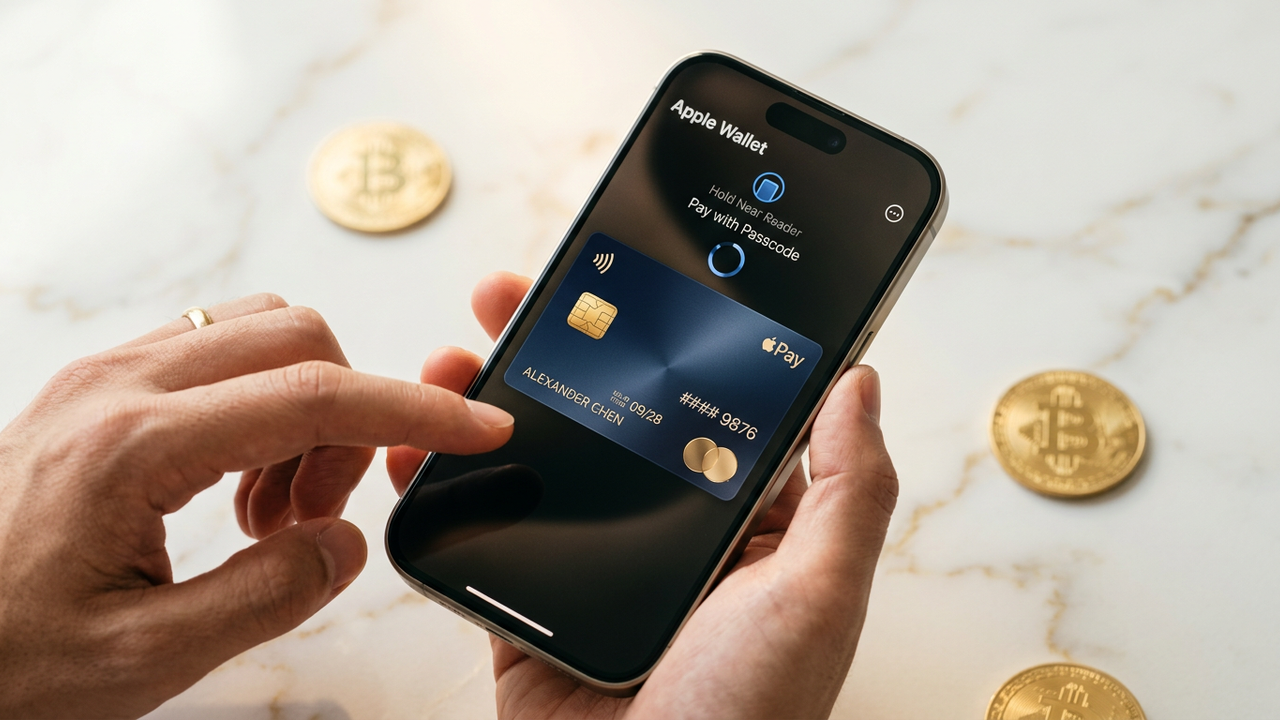
How to Fund Apple Pay with Bitcoin
-
1
Sign up for a no KYC crypto card
Create your account with just a username and password. No ID verification needed. Your virtual debit card is issued instantly upon registration.
-
2
Deposit Bitcoin to your card wallet
Send BTC from your existing wallet to the deposit address shown in your dashboard. Deposits are credited after 1 network confirmation.
-
3
Add your virtual card to Apple Wallet
Open the Wallet app on your iPhone, tap the plus icon, and follow the prompts to add your card. The app will walk you through the verification steps automatically.
-
4
Set the card as your default Apple Pay method
In Settings → Wallet & Apple Pay, set your new card as the default. This ensures every Apple Pay transaction routes through your BTC-funded card.
-
5
Confirm with a test transaction
Make a small purchase — a coffee or a $1 app — to verify everything works. Your BTC balance will automatically convert to fiat at point of sale.
Why Use Bitcoin via Apple Pay?
Apple Pay is accepted at over 85% of US retailers. By funding your Apple Wallet with Bitcoin through a no KYC card, you get the convenience of contactless payments everywhere while keeping your identity private and your funds in crypto until the moment you spend.
Bitcoin Deposit Confirmation Times
The time it takes for your Bitcoin deposit to be spendable depends on network congestion and your chosen fee rate. Here is what to expect at typical fee levels:
| Fee Rate | 1st Confirmation | Spendable On Card | Best For |
|---|---|---|---|
| High (30+ sat/vB) | ~10 minutes | 10-15 min | Urgent top-ups |
| Medium (15-30 sat/vB) | ~30 minutes | 30-45 min | Regular deposits |
| Low (5-15 sat/vB) | 1-6 hours | 1-6 hours | Non-urgent |
| Minimum (<5 sat/vB) | 6-24+ hours | Unpredictable | Not recommended |
Tip: Check mempool.space for real-time fee estimates before sending. Our card credits deposits after 1 network confirmation.
Apple Pay Acceptance by Region
Apple Pay is the dominant contactless payment method in many countries. Here is the retail acceptance landscape across key markets:
| Region | Retail Acceptance | Transit Support | Online Checkout |
|---|---|---|---|
| United States | 85%+ of retailers | NYC, Chicago, Portland, SF | Universal on iOS |
| United Kingdom | 90%+ of retailers | London TfL, all major cities | Universal on iOS |
| Canada | 80%+ of retailers | Toronto, Vancouver, Montreal | Universal on iOS |
| Australia | 95%+ of retailers | Sydney Opal, all capitals | Universal on iOS |
| EU / EEA | 70%+ of retailers | Select cities | Universal on iOS |
Apple Pay vs Google Pay — Which Wallet for Your Bitcoin Card?
| Feature | Apple Pay | Google Pay |
|---|---|---|
| Platform | iOS only | Android + Web |
| Biometric Auth | Face ID / Touch ID | Fingerprint / Face Unlock |
| No KYC Card Compatible | Yes | Yes |
| Online Checkout | Safari + apps on iOS | Chrome + apps on all platforms |
| Max Cards Per Wallet | 12 cards | Unlimited |
On Android? Follow our Anonymous Google Pay Setup guide for the same frictionless experience with a no KYC virtual card.
Common Issues & Troubleshooting
Card won't add to Apple Wallet
Make sure your iPhone is running iOS 15.5 or later. Check that your card's issuing country matches your Apple ID region — mismatched regions are the #1 cause of card addition failures. If issues persist, try verifying through a phone call instead of SMS.
Transaction declined at terminal
First, confirm your card balance covers the purchase + a 3-5% buffer for real-time BTC-to-fiat conversion spread. Some terminals require a $0 authorization hold in addition to the purchase amount. Enable auto-top-up to prevent low-balance declines.
BTC deposit not showing
Confirm the transaction has at least 1 network confirmation on a block explorer. If your deposit uses a low fee during high network congestion, it may remain unconfirmed for hours. Never send BTC directly from an exchange withdrawal address — always use a wallet you control.
Comments
Leave a Comment
Only registered members can comment.
Fund Apple Pay with Bitcoin in minutes
Sign up for your no KYC crypto virtual debit card and connect it to Apple Wallet instantly.
Get Started