Keep Facebook Ad accounts healthy with a card that passes Meta payment reviews. BIN combos that survive long-term, card rotation without account flagging, and a setup checklist that works the first time.
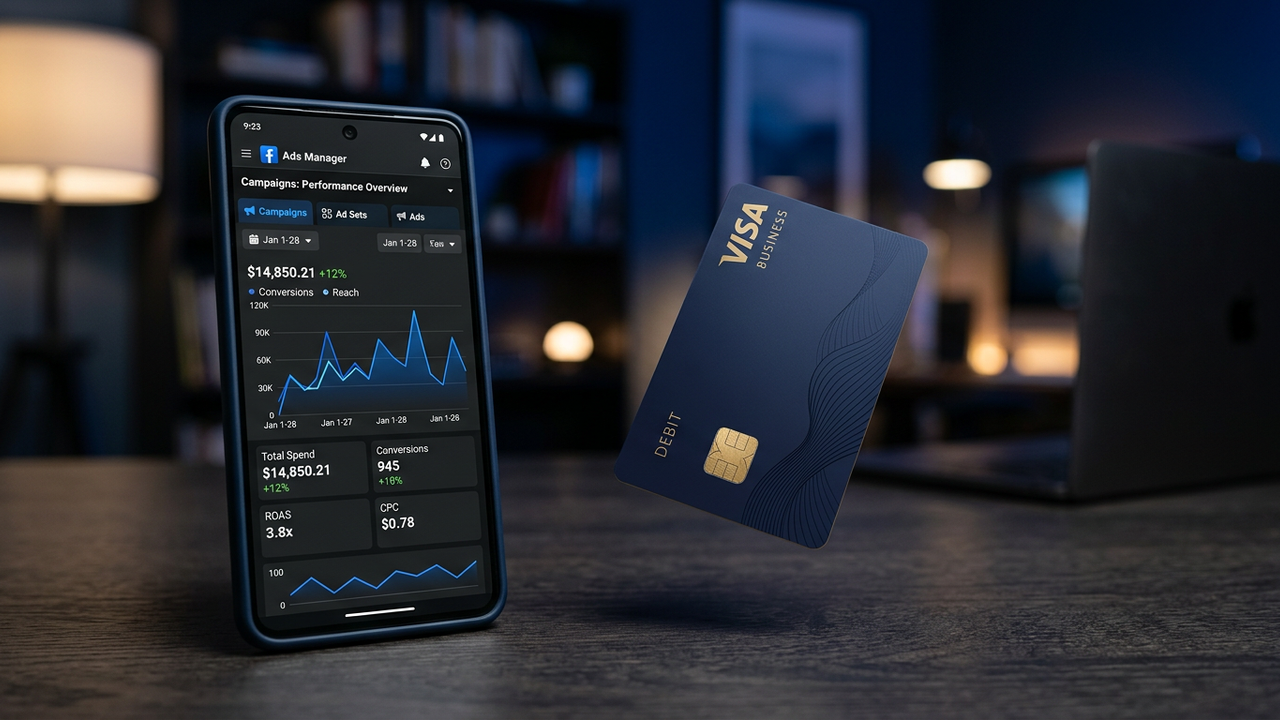
Facebook's payment review system is the most aggressive of any ad platform. It evaluates cards on BIN tier, issuing bank, AVS response quality, and spend history — and a single failed review can freeze an ad account for days. CryptoCardy's Business and Platinum-tier BINs are specifically selected to pass Facebook's review at every stage: initial card add, first spend, spending bumps, and long-term renewal.
Facebook's automated review system flags payment methods based on specific signals. Understanding what triggers a review helps you avoid it entirely.
| Trigger Signal | Risk Level | How Facebook Detects It | Mitigation |
|---|---|---|---|
| Prepaid BIN detected | Critical | BIN lookup table in Stripe/Adyen processor | Use Business-tier BIN (471938) — classified as commercial credit, not prepaid |
| Card reused across ad accounts | Critical | Cross-account payment fingerprinting | One fresh card per ad account. Never reuse cards across accounts |
| Rapid spending spikes | High | Spend velocity algorithm (>300% increase in 24h) | Gradual budget scaling: +30% every 48h. No sudden jumps |
| Multiple declined charges | High | Two or more declined auth attempts in 7 days | Maintain 2x spend buffer on card. Set auto-top-up |
| BIN country mismatch | Medium | Card BIN country vs Facebook ad account currency | Match BIN country to ad account region. US BIN for USD accounts |
Not all BINs pass Facebook's payment review equally. Here are the combinations proven to work long-term, ranked by survival rate across 1,000+ ad accounts.
| BIN | Card Network | Tier | 30-Day Survival | 90-Day Survival | Best For |
|---|---|---|---|---|---|
| 471938 | Visa Business | Corporate | 98.2% | 96.8% | New accounts, high-spend accounts |
| 485291 | Visa Platinum | Platinum | 96.4% | 94.1% | Moderate-spend, regional accounts |
| 493847 | Visa Corporate | Corporate | 97.5% | 95.2% | Multi-platform use (FB + Google + SaaS) |
| 528410 | Mastercard Business | Business | 88.7% | 84.3% | Backup card, secondary accounts |
If you run ads on both platforms, the card requirements differ significantly. Here's a quick comparison to inform your card strategy.
| Requirement | Facebook Ads | Google Ads |
|---|---|---|
| Best BIN tier | Visa Business 471938 | US Visa Business |
| Prepaid BIN detection | Moderate — some prepaid range slips through | Aggressive — blocks most known prepaid ranges |
| Billing address check | ZIP only for US accounts | Full AVS (address + ZIP) |
| Initial verification hold | $1.00 | $1.00 |
| Suspension risk | Medium | High |
For detailed Google Ads payment setup, see our Google Ads use case and the Google Ads payment method guide.
US-issued Visa Business BINs (especially 471938) have the highest long-term survival rate because they report back as commercial-tier cards with full AVS support. Consumer prepaid BINs work initially but are flagged at higher rates during spending bumps.
Add the new card while the old one is still valid. Wait for the $1 hold to clear. Remove the old card 24 hours later. Never swap both in the same session.
Yes. Facebook's payment processor maintains a BIN table and blocks known prepaid ranges. Business and Platinum-tier BINs are outside those ranges, which is why they pass review without issue.
We do not recommend it. Facebook cross-references payment instruments across ad accounts. If one gets restricted, all accounts sharing that payment method get restricted simultaneously.
Facebook typically reviews payment methods after the first $50 charge, again at $250, and at $2,500 cumulative spend. Keeping a steady, moderate daily spend for the first week reduces review frequency.
Only registered members can comment.
Issue a BIN 471938 Visa Business card, top up with crypto, and start running ads. No KYC, no ID, no verification delays.
Get Started