BIN 471938 provisions to Google Wallet on every attempt. Add a private crypto-funded card to your Android phone in under two minutes — tap-to-pay anywhere Google Pay is accepted, 60+ countries.
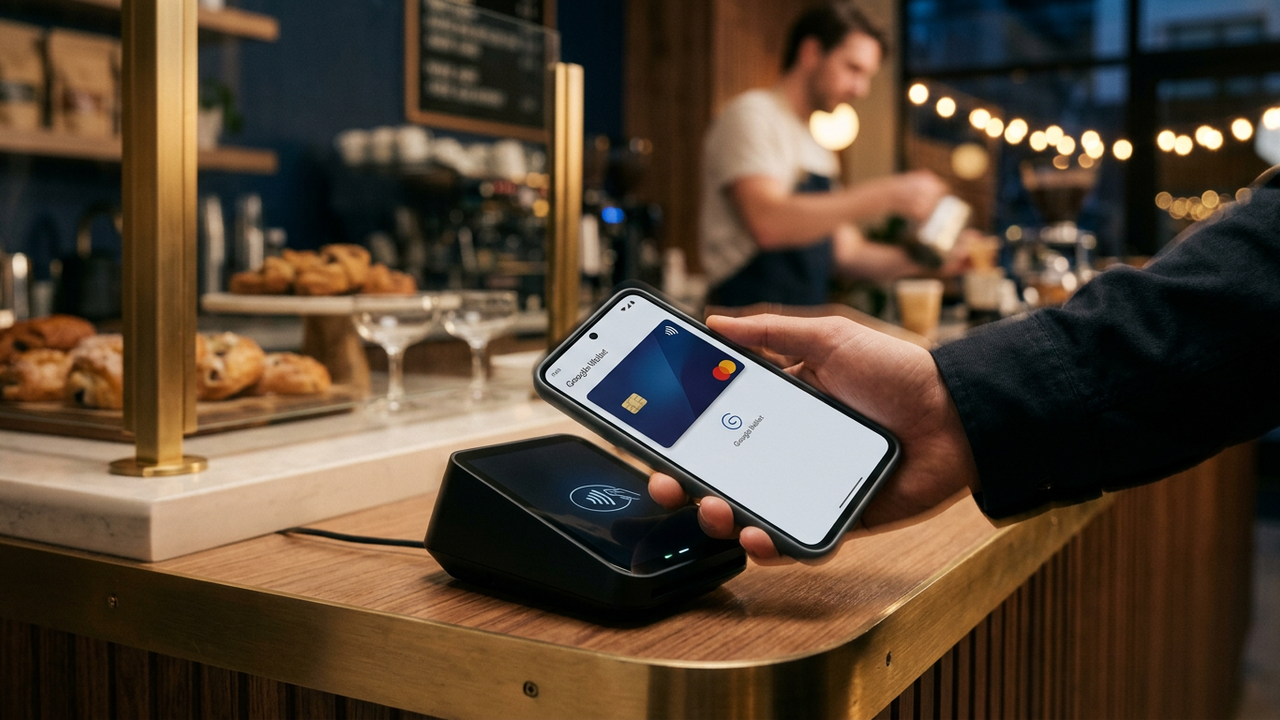
Google Wallet tokenization follows the same VTS/MDES protocol as Apple Pay — but with slightly different BIN compatibility. CryptoCardy's BIN 471938 (Visa Business) provisions to Google Wallet on every Android device with NFC running Android 9+. Open Wallet, tap Add, enter the card — done in under two minutes. No SMS verification, no bank call, no KYC.
For a detailed walkthrough including NFC coverage, BIN structure details, and cryptocurrency funding options, see the Google Pay anonymous setup guide.
| Country | Retail Acceptance | Public Transit | Online Checkout | Best BIN |
|---|---|---|---|---|
| United States | 90%+ | NYC, Chicago, Portland | 95%+ | 471938 |
| United Kingdom | 95%+ | London, Manchester, all major | 95%+ | UK BIN |
| Canada | 90%+ | Toronto (TTC), Vancouver | 90%+ | 471938 |
| EU (France, Germany) | 95%+ | Paris, Berlin, widespread | 85%+ | EU BIN |
| Japan | 80%+ | Tokyo (Suica/Pasmo) | 70%+ | JP BIN / 471938 |
| BIN | Google Wallet | Apple Wallet | Samsung Pay | Garmin Pay |
|---|---|---|---|---|
| 471938 (Visa Business) | Yes | Yes | Yes | Partial |
| 485291 (Visa Platinum) | Yes | Yes | Yes | Partial |
| 493847 (Visa Corporate) | Yes | Yes | Partial | Unknown |
BIN 471938 (Visa Business) provisions to Google Wallet reliably on every attempt. Tested and confirmed on Android 9+ with NFC.
Requires Android 9+ and NFC. Most phones sold since 2019 meet this. Check Settings → Connections → NFC. Without NFC, you can still use the card for online purchases.
Google stores a tokenized version in the secure element. Google does not see your clear card number. Receipts show the Device Account Number, not the actual PAN.
Yes — BIN 471938 supports both Google Wallet and Apple Wallet tokenization. You can have the same underlying card provisioned to both an Android phone and an iPhone simultaneously.
Only registered members can comment.
Issue a BIN 471938 card, add to Google Wallet in 2 minutes, spend anywhere Google Pay is accepted across 60+ countries.
Get Started